 +994512060920


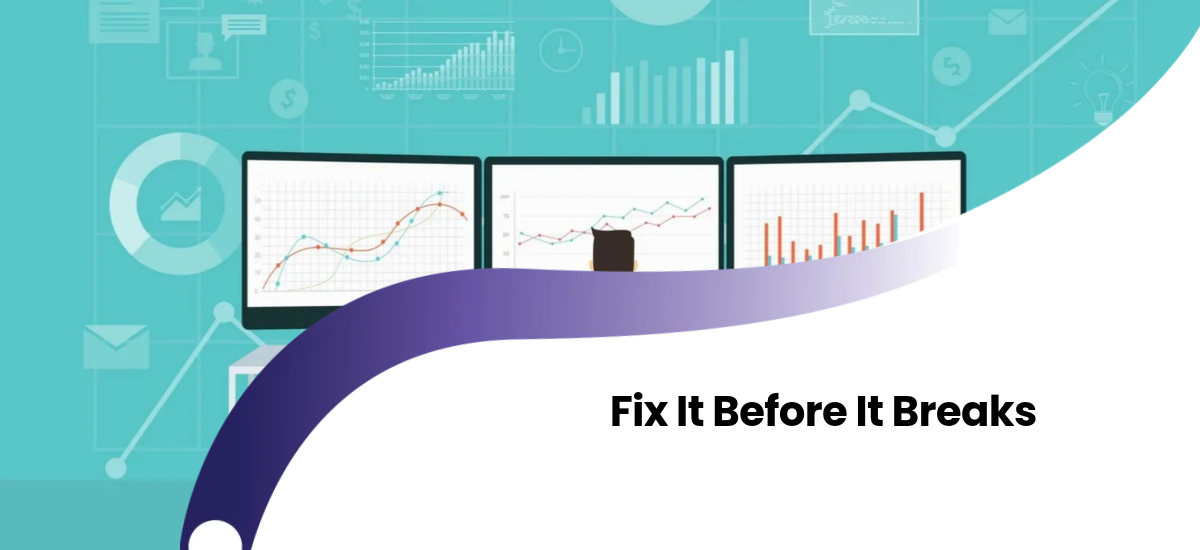
Picture two teams. On the first, the site crashes, customers complain, and engineers climb out of bed in the middle of the night to hunt for the cause. On the second, a dashboard shows a warning at nine in the morning: "The disk will be full in three days." An engineer fixes it over a cup of tea, and nobody ever finds out there was a problem.
The technical skill of the two teams could be identical. The difference is the approach. The first reacts after a problem happens (reactive). The second sees the early signs ahead of time (proactive). In this article we'll explain the second approach, the functions you need to support it, and the tools, in simple terms.
What Is Reactive Monitoring?
Reactive monitoring tells you after the system has already broken. The site is down, an alert fires, and the team starts looking for the cause. This approach is better than monitoring nothing, because you find out about the problem before your customers tell you. But the damage is already done: users have seen the error, orders have been lost, and the team is in emergency mode.
What Is Proactive Monitoring?
Proactive monitoring watches for small changes in a system's behavior and warns you before a problem occurs. The goal is to replace the question "what broke?" with "what is about to break?"
A simple comparison: does a doctor step in only when the heart attack happens, or measure your blood pressure regularly and warn you ahead of time? Proactive monitoring is the second doctor's job.
The Difference Between Reactive and Proactive Approaches
| Criteria | Reactive | Proactive |
|---|---|---|
| Core question | What broke? | What is about to break? |
| When the warning arrives | After the problem occurs | Before the problem occurs |
| Impact on users | Often already felt | Usually never reaches them |
| Team working mode | Urgent, under stress | Planned, calm |
| Example alert | "The site is not working" | "The disk is at 85 percent and still growing" |
| Main data | Current state | Trends and direction |
How Does Proactive Monitoring Work?
The core idea is simple: most problems don't appear suddenly, they give signs first. A disk doesn't fill in a day, memory doesn't run out in a second, and a database doesn't slow down all at once. There are several ways to catch these signs.
- Trend analysis: Look at the direction a metric has taken over recent days. If a disk fills by two percent a day, you can calculate when it will be full.
- Thresholds: Set a lower limit that warns you before the critical level. For example, alert when CPU stays at 70 percent for a long time, not only when it hits 90.
- Baseline comparison: Learn the system's normal behavior. On Monday at ten there are usually 200 requests a minute, but today there are 20. That is a deviation from the norm.
- Synthetic checks: Without waiting for real users, an automated script regularly walks through the key steps of the site (login, search, payment page). If one step slows down, it warns you before users notice.
- Anomaly detection: Tools identify unusual behavior on their own, so you don't need to write the rule in advance.
What Should You Monitor Proactively?
You don't need to monitor everything proactively. These are the places that give the most value:
- Resources: Disk, memory, CPU and the number of database connections. These fill up gradually and can be predicted in advance.
- Certificates and domains: If an SSL certificate's expiry date is forgotten, the site shows a "not secure" warning overnight. Setting a reminder 30 days before expiry is one of the simplest proactive steps.
- Response time: Not the average, but the slowest requests gradually getting longer.
- Error rate: Small but steady growth. Errors rising from one percent to two may not trigger an alert yet, but the trend is a danger signal.
- Queues and background jobs: If the number of queued tasks keeps growing and never drains, the system can't carry the load.
- Business indicators: Orders, sign-ups and payments deviating from the expected level.
What Are NOC, SOC and APM?
Three concepts are often confused when talking about proactive monitoring. Each answers a different question.
NOC (Network Operations Center)
A NOC is a center or team that watches the health of infrastructure and the network. Its core question is: is the system up and reachable? It looks at servers, networks, connectivity and uptime. It often works 24/7 and is usually the first to respond when an outage happens.
SOC (Security Operations Center)
A SOC monitors security events. Its core question is: is someone attacking the system, or is there suspicious activity? It investigates events like unusual login attempts, unauthorized access and suspicious network traffic. This topic is directly tied to API security.
APM (Application Performance Monitoring)
APM monitors what happens inside the application itself. Its core question is: why is the app slow, and which part of the code is the problem? It shows which query responds slowly, which function takes time, and which external service causes delay.
| Concept | What it looks at | Core question |
|---|---|---|
| NOC | Servers, network, availability | Is the system running? |
| SOC | Security events | Is there an attack or suspicious activity? |
| APM | The application's internal performance | Why is it slow, and where is the problem? |
The three don't replace each other, they complement each other. Say the site has slowed down. APM shows the slow query, the NOC confirms the server isn't overloaded, and the SOC checks that it isn't an attack. Each completes the same picture from a different angle.
A Realistic Path for Small Businesses
NOC and SOC sound like separate centers for large organizations. But small and mid-sized businesses can apply the logic of these functions in a simplified form too:
- NOC function: An uptime monitor, a server resource dashboard, and a simple plan showing who is responsible when an outage happens.
- SOC function: Logging of login attempts, alerts for suspicious activity and regular checks of security updates.
- APM function: A tool that collects application errors and a dashboard that shows slow queries.
As the team grows, these functions can turn into dedicated roles or an on-call schedule. If building everything with your own team is difficult, buying this service from an outside partner is also an option.
Steps to Set Up Proactive Monitoring
- Set up the basics. Proactive monitoring is built on top of reactive monitoring. Uptime, error and resource tracking need to work first. The steps in our monitoring and logging article are enough for this.
- Define what normal looks like. You can't catch a deviation without knowing how the system behaves on ordinary days. Collect a week or two of data.
- Set up trend-based alerts. Instead of "the disk is full," create a warning like "at this rate the disk will be full in two weeks."
- List everything that expires. SSL certificates, domains, API keys, licenses. Set up reminders in advance for all of them.
- Add a synthetic check. Regularly test your most important user journey (for example, login and payment) with an automated script.
- Assign an owner to every alert. It should be clear in advance who each warning goes to and what should be done.
- Learn from every incident. If a problem has happened, ask: could we have seen this coming? If yes, add a new alert for that early sign.
Deployment and Proactive Monitoring
The moment a new version is released is when risk is highest. Proactive monitoring combined with a CI/CD pipeline is especially useful here: in the first minutes after a new version reaches Production, the error rate and response time are compared with the previous version. If there's a difference, a warning arrives automatically and, if needed, the release is rolled back.
Proactive Monitoring in Container Environments
In container-based systems, problems can spread fast. In a Kubernetes Cluster, Pods restarting often, resources running low on a Node, or a growing number of Pods stuck in pending are classic signs that show up before a serious problem. Watching for them helps you avoid a full outage.
Speed Problems and the Proactive Approach
A website usually slows down gradually, not all at once. A team that tracks response time creeping up a little each week sees the problem early. If the cause is repeated database queries, the approach we explain in our Redis and caching article can be the fix.
The Most Common Mistakes
- Setting up too many alerts: If proactive warnings are too numerous, the team stops looking at them. Every warning should require action.
- Writing alerts without a baseline: If normal is unknown, thresholds end up either too sensitive or too lax.
- Only monitoring technical indicators: The server can look healthy while orders are dropping. Monitor business indicators too.
- Forgetting certificate and license dates: This is one of the simplest and yet most common causes of outages.
- Not learning from incidents: If the same problem happens a second time, the proactive system hasn't done its job.
- Trying to solve everything by buying a tool: A tool helps, but it won't deliver results without defined processes, owners and rules.
Frequently Asked Questions
Does proactive monitoring replace reactive monitoring?
No. You need both. Proactive catches the early signs, while reactive is the last line of defense for unexpected problems.
Is proactive monitoring realistic for a small team?
Yes. Simple steps like a certificate expiry reminder, a disk trend alert and a synthetic login check make a big difference.
Do NOC and SOC have to be separate teams?
In large organizations, usually yes. In a small business, these functions can be shared among a few people or handed to an outside partner.
What's the difference between APM and regular monitoring?
Regular monitoring looks at the overall state of the system (servers, resources, availability). APM goes inside the application and shows which query or function is slow.
Does proactive monitoring create false alarms?
Sometimes, yes, especially at first. Tuning thresholds based on real data and removing unnecessary alerts is a normal part of the process.
Conclusion
Reactive monitoring says "the fire has started." Proactive monitoring says "I can see smoke." The second is cheaper, calmer and safer for your users. A NOC watches availability, a SOC watches security, and APM watches the application's internal performance, while the proactive approach is about spotting trends and early signs across all of them. You don't need a big team to start. Learning what normal looks like, tracking trends and assigning an owner to every alert is enough.
If you want to set up a monitoring system for your project, or move your existing one to a proactive approach, get in touch with the Crocusoft team. Together we can work out which step would reduce the most risk. Work like this is usually planned at the architecture stage of custom software projects.